Change these Settings to Make Your NASCAR 25 Experience More Realistic
What’s Happening? iRacing released its first NASCAR console game, NASCAR 25, earlier this week. While no console game can provide players…


iRacing’s NASCAR 25 is out, but for starters, driving may feel a little off compared to other racing games and even some past NASCAR games, so what can you do in-game to make your car feel and drive better?
What’s Happening? iRacing released its first NASCAR console game, NASCAR 25, earlier this week. While no console game can provide players…
NASCAR 25 offers several options for finding the ideal car setup and controller settings to help players get a grip on the game. Usually, in NASCAR games, how your car drives comes down to the controller setup, the limited modifications you can make in-game, and how you set up your car.
But, in regard to controller settings and in-game settings, iRacing has taken it a step further with NASCAR 25.
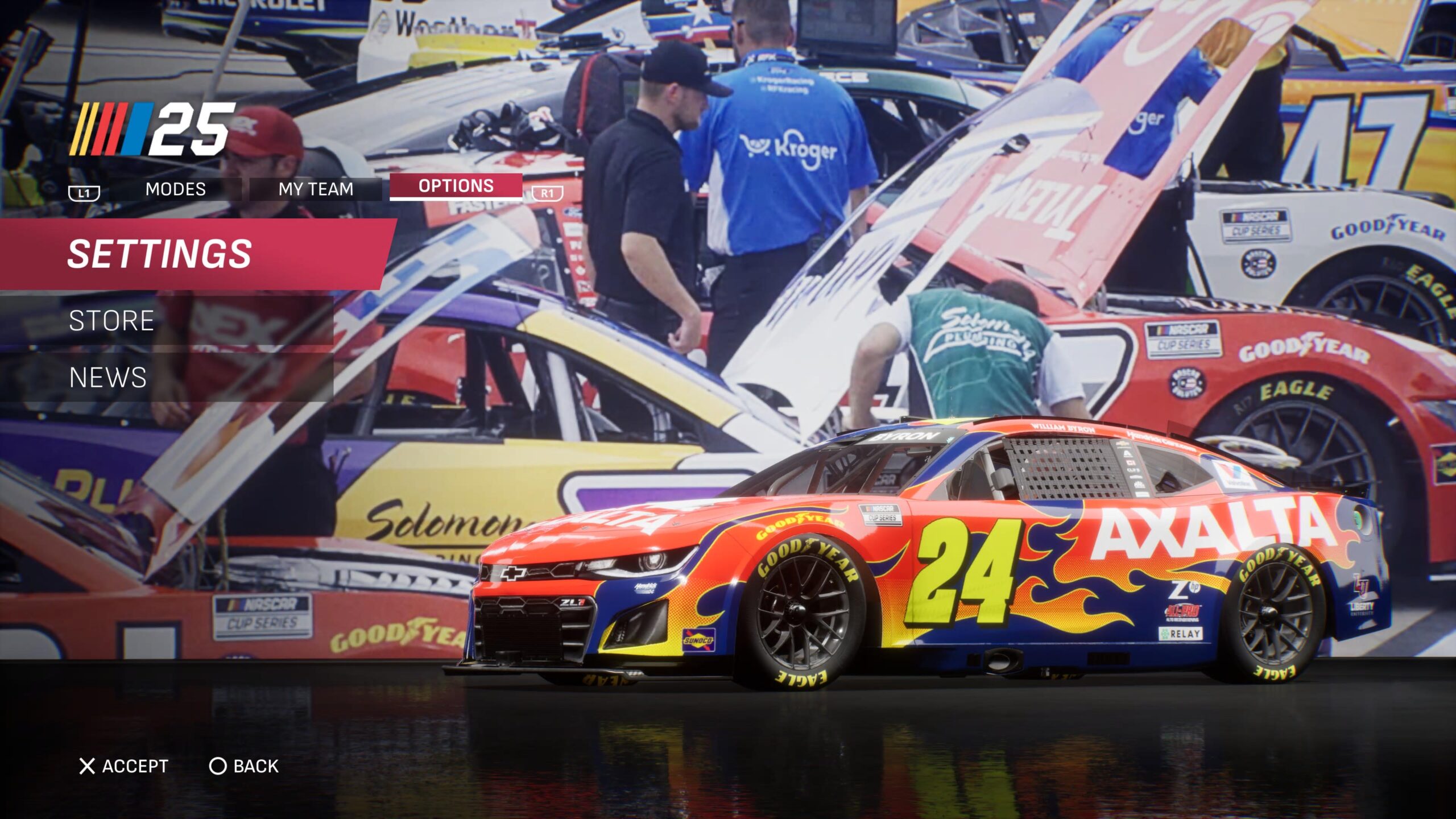
This includes in-depth sliders like Driving Assist, Stability Help, and Wall Avoidance, all of which can be found under the Driving Tab in the game’s Settings Menu.
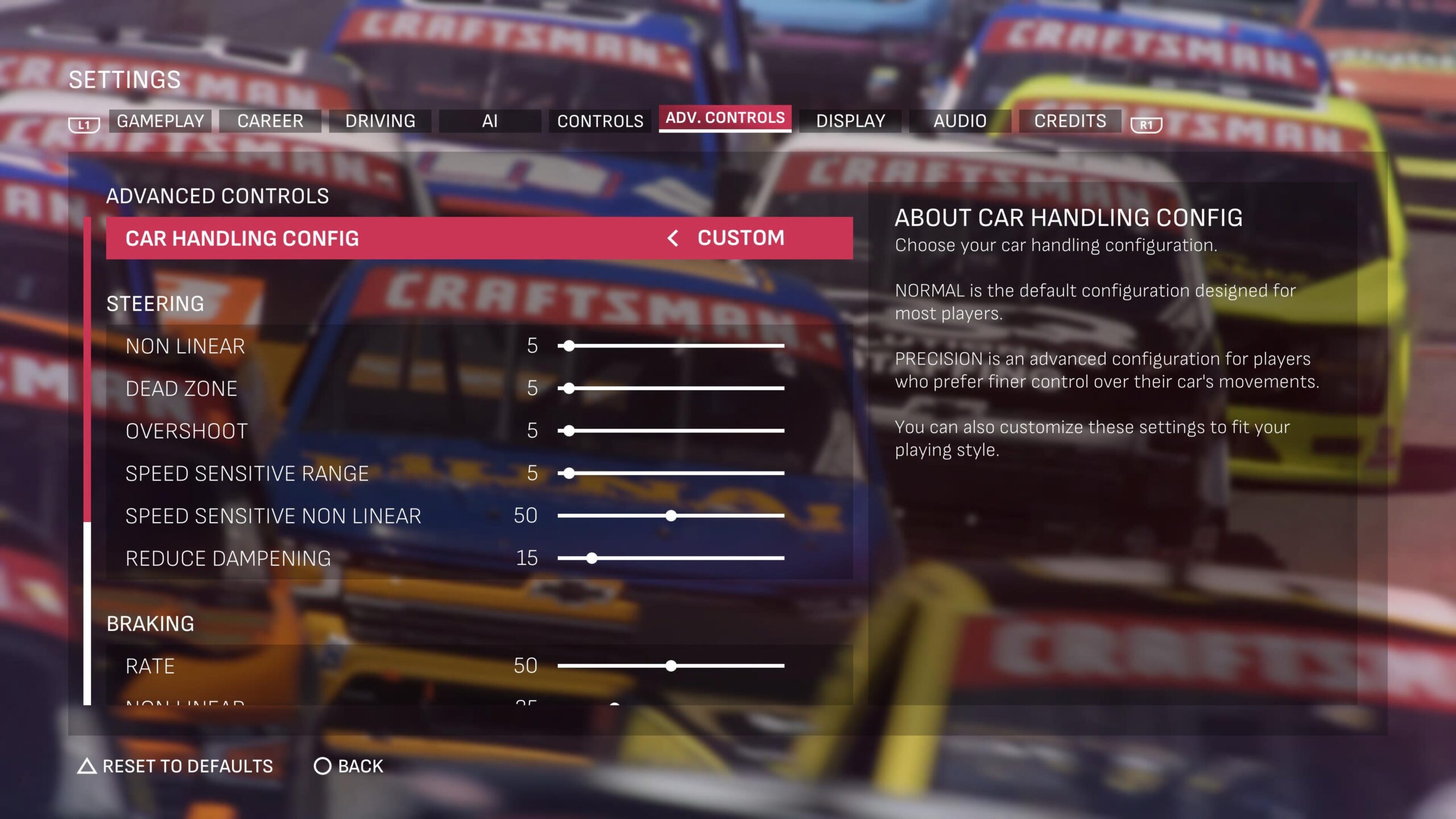
Under the “Advanced Controls” (seen in-game as “Adv. Controls”) tab, you will find sliders for controller sensitivity, with the option to use preset options, like Precise, and Custom. However, it’s best to go to a track practice session and shift around the custom settings until everything feels comfortable.
What’s Happening? Perhaps more than any past NASCAR game, in the early life cycle of iRacing’s NASCAR 25 console game, players…

So, what if you are comfortable with the controller, can keep pace, but are failing to keep up with your preferred line? Well, then you likely need to change your car’s setup.
After starting your practice session, and prior to a race, before taking the track, hit the square button (PS5) or the X button (Xbox) to open the settings tab. This will take you to a tight-to-loose slider.
Now, the addition of this slider was controversial prior to the game’s official release.
This was due to confusion on whether or not there was an option for Custom or in-depth setups. But, with the confirmation that in-depth setups are in the game, fans have realized the addition of the tight-to-loose slider.
This feature is a basic level setup of a car. As you move further to the right, the car becomes tighter, and as you move further to the left, the car becomes looser.
For those unfamiliar, a tight race car will push away from the corner as you approach the midway point through a turn, while a loose car will feel like it has less grip in the rear tires through the turn.
Many players online have agreed that the game’s pre-made setups, like past games, result in a tight car, so, for more speed, it’s better to start on 25% loose and see if you are comfortable.
But, if you felt better off tighter, then head in the direction of a tight setup, this feature can make a practice session, something often skipped in NASCAR games, a critical aspect of your race weekend.
Update: Another great guide, used by many in the community, comes from Reddit user bokeefus, who continuously posts updated versions of his basic guide for custom setups.
Set Up Guide 3.0 – Pit Stop Adjustments
byu/bokeefus inNASCARVideoGame
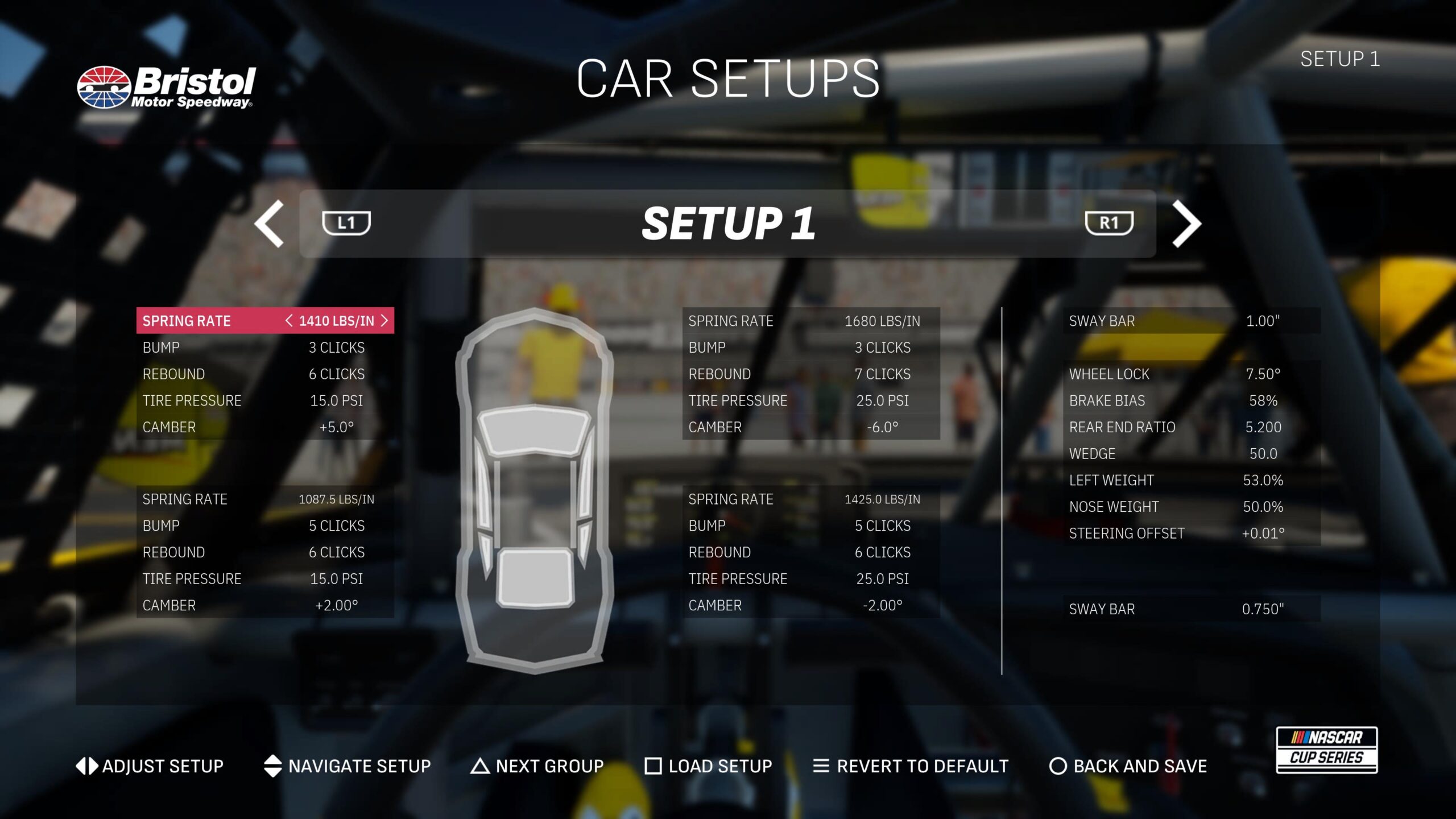
If you really want to dive into setting up your car, you can switch to the game’s setup creator by hitting the R1 button (PS5) or RB Button (Xbox) while on the tight-to-loose slider page.
Some players will stay away from this feature, but those who want the realism of racing, this is where you can make your car run absolutely perfectly. The setup page is broken up into five parts, with four sections for your four tires and one for the overall car.
Each factor works independently of itself to make the car drive how you want it to. The game also gives you the chance to try out other pre-saved custom setups, or save and open past ones you may have done.
iRacing and NASCAR have already collaborated on a video featuring NASCAR on NBC/Prime/TNT analyst Steve Letarte, explaining what each aspect of the setup sheet means and how they all work together.
But, it is important to remember that any setup you make is going to need to be comfortable for you, much like real life, a setup made by another person may not match up with your skills, comfort level, or, specifically in the case of NASCAR 25, your Gameplay sliders and controller setup.
Finally, it is important to note that as of press time, there is no way to change your car’s setup mid-race, so what you start the race with is what you will end the race with, though there is a chance this option could be added in the future.
Have any tips and tricks of your own? Let us know! Join the discussion on Discord or X, and remember to follow us on Instagram, Facebook, and YouTube for more updates.